
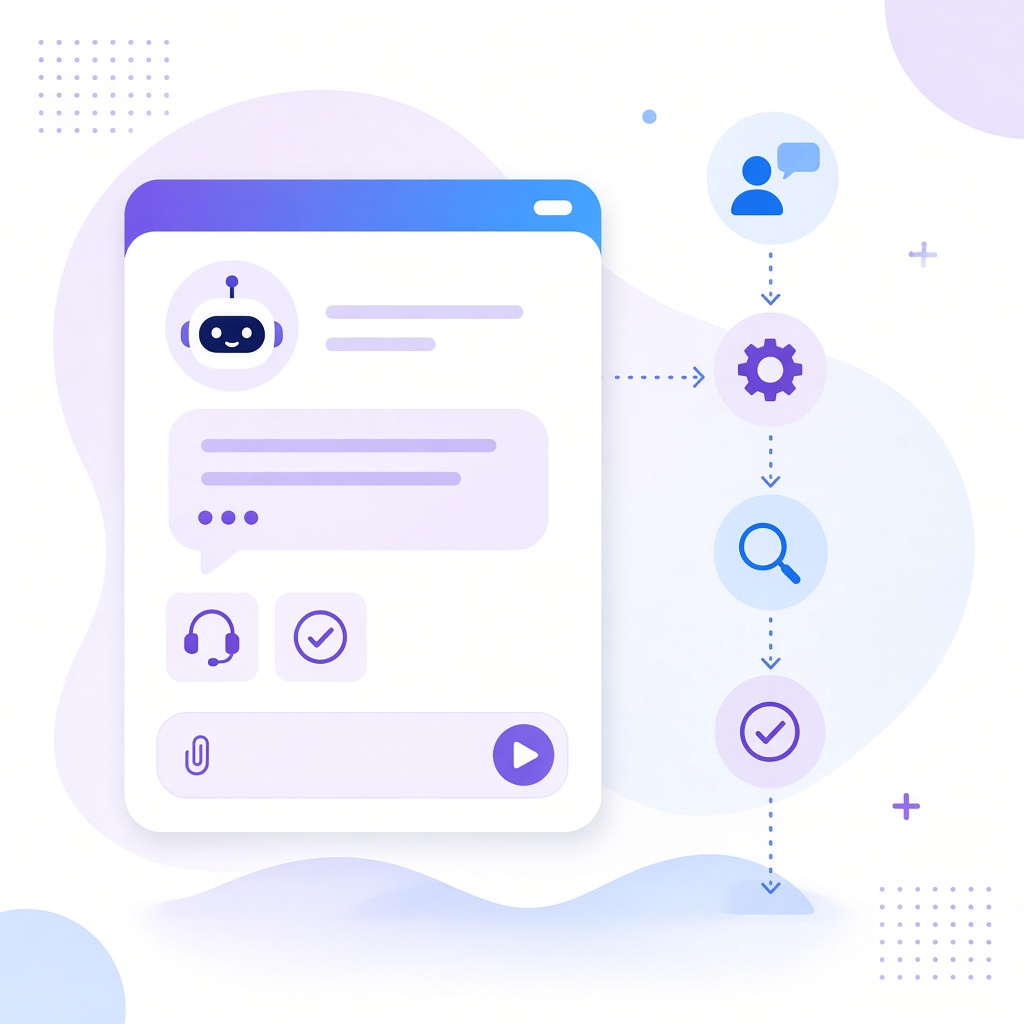
An AI chatbot for a clinic in Kuwait is a front-desk assistant that answers routine questions, collects booking details, and replies on WhatsApp in Arabic or English, including after hours. It should never give diagnoses or treatment advice. Start with a narrow scope, connect it to your real schedule, and make hand-off to reception easy.
1. Why Kuwait Clinics Are Looking at Chatbots
Most clinic front desks handle the same messages every day: opening hours, doctor availability, insurance questions, location, and requests to book or move an appointment. Many arrive on WhatsApp, often in the evening, and many are written in Arabic, English, or a mix of both. Reception staff cannot answer everything instantly while also welcoming patients in person and answering the phone.
An AI chatbot can take the first step in those conversations. It can reply quickly, ask for the details reception needs, and pass the conversation to a person when the question needs judgment. The goal is not to replace the team. It is to remove repetitive typing and reduce the number of messages that wait until the next morning.
- Patients message when it suits them, not only during opening hours.
- Front-desk teams spend much of their day repeating the same answers.
- A chatbot works best as a first responder with a clear route to staff.
2. What a Clinic Chatbot Should and Should Not Do
A clinic AI chatbot should handle administrative tasks: sharing approved information about services, branches, hours, and booking steps; collecting a patient’s name, preferred doctor or department, and preferred time; and confirming that reception will follow up. Each answer should come from content your clinic has approved, not from the model’s general knowledge.
It should not diagnose, interpret symptoms, recommend medication, or comment on test results. If a message describes an emergency or a worrying symptom, the bot should respond with a short, pre-approved safety message and direct the person to emergency services or to your staff, according to your clinic’s policy. Your medical team should write and sign off that wording.
Be clear with patients that they are talking to an automated assistant. A short opening message that explains what the assistant can help with sets the right expectation and prevents people from treating it as a clinician.
- Do: hours, locations, services, booking requests, reminders, and document checklists.
- Do: collect minimum details and pass them to reception in a clean summary.
- Do not: diagnose, advise on treatment, or interpret results.
- Do not: invent prices, doctor availability, or insurance coverage.
3. Appointments: From Message to Confirmed Slot
Appointment handling is usually the most valuable use case, and the one where integration matters most. A bot that only collects a preferred time and sends it to reception already saves typing. A bot that checks real availability and creates the booking is more useful, but it needs a reliable connection to your scheduling or clinic management system.
Decide early which model fits your clinic. In a request-based flow, the bot gathers the details and reception confirms. In a direct-booking flow, the bot offers real slots and writes the appointment back. Whichever you choose, the patient should always receive a clear confirmation, and the bot must never imply that a booking exists unless the system has confirmed it.
Plan for the awkward cases as well: rescheduling, cancellations, first-time visits, children, follow-ups, and doctors who see patients at several branches. Anything the flow cannot handle cleanly should go to a person with the conversation attached.
- Confirm service, doctor or department, branch, date, and contact details.
- Repeat the details back before submitting any booking request.
- Tell patients what happens next and who will contact them.
- Route changes, cancellations, and unusual cases to reception.
4. WhatsApp as the Main Patient Channel
In Kuwait, many patients already contact businesses through WhatsApp, so it is often a more natural channel than a website widget. A WhatsApp assistant can greet new enquiries, answer common questions, and collect booking requests in the same thread patients already use.
For a business deployment, use the official WhatsApp Business Platform rather than unofficial workarounds that can put your number at risk. The platform has its own rules on message templates, opt-in, and the time window for replying, so your flows and reminders should be designed around them. Check the current Meta documentation during planning, because requirements and pricing change.
Treat WhatsApp conversations as clinic records of a sensitive nature. Limit who can read them, avoid asking for more personal information than the task needs, and decide in advance how long conversation data is kept.
- Use the official WhatsApp Business Platform for production use.
- Design reminders and follow-ups around template and opt-in rules.
- Keep the number of questions short; patients reply from their phones.
- Give reception a shared view of conversations and clear ownership.
5. Arabic and English Without Awkward Replies
Kuwait clinics serve patients who write in Arabic, English, or switch between the two within one message. The assistant should answer in the language the patient used, keep the tone polite and professional, and handle common patterns such as Arabic written with English doctor or branch names.
Do not rely on a literal translation of your English script. Have a native Arabic speaker on your team review the wording, including greetings, appointment phrases, and safety messages. Decide whether you want formal Modern Standard Arabic, a lighter business tone, or a mix. Keep medical terms consistent with how your doctors and signage describe them.
Test with real examples. Include spelling variations, voice-note follow-ups that the bot cannot process, and mixed-language messages. If the assistant is unsure what the patient wants, it should ask a short clarifying question or hand off rather than guess.
- Reply in the patient’s language, and let them switch at any time.
- Have Arabic wording reviewed by a native speaker from your team.
- Use the same doctor, department, and branch names in both languages.
- Plan what happens when a patient sends a voice note or image.
Planning a chatbot for your clinic?
Share your most common patient messages and current booking process, and we can help you scope a safe first version.
6. After-Hours Enquiries Without Overpromising
After-hours is where a chatbot is often easiest to justify. A patient who messages at night can get an immediate acknowledgment, the answers to routine questions, and a request logged for reception to pick up in the morning. That is better than a message that sits unread until the clinic opens.
Be honest about what the assistant can and cannot do outside opening hours. Tell patients when reception will respond, and do not promise same-time confirmations if no one is available to confirm. For urgent or worrying messages, the bot should show the approved safety message and the correct emergency guidance for your clinic rather than continuing a routine booking flow.
Make the morning hand-off easy. Reception should see an organised list of overnight conversations, with the patient’s request, the details collected, and what the bot already told them, so staff can respond without starting from scratch.
- Acknowledge immediately and state when staff will reply.
- Log requests in an organised queue for the morning team.
- Show approved urgent-care guidance when a message suggests risk.
- Never present a booking as confirmed unless it actually is.
7. Choosing the Right Type of Clinic Chatbot
Clinic chatbots range from simple to fairly capable, and the right starting point depends on your systems, team, and risk tolerance. Many clinics begin with an FAQ assistant, add request-based booking, and move to a fuller assistant only after the first stage proves reliable.
- Start with the smallest version that removes real front-desk work.
- Add integrations only when the data behind them is reliable.
- Review results before expanding the scope.
| Type | What it does | Needs | Best for |
|---|---|---|---|
| FAQ bot | Answers approved questions on hours, locations, services, and procedures | A reviewed knowledge base and a hand-off route | Clinics starting out or with limited system access |
| Booking bot | Collects booking requests, or checks slots and creates appointments | Scheduling integration or a clear reception workflow | Clinics where appointment messages dominate the inbox |
| Full assistant | FAQs, booking, reminders, reschedules, and handoff with context | Several integrations, governance, and ongoing review | Multi-branch clinics with mature processes |
8. Privacy, Safety, and Staying Within Your Role
Patient information is sensitive. Collect only what the task needs, explain why it is requested, and avoid asking for medical details in a chat unless your clinic has a clear process for it. Restrict access to conversation logs, protect data in transit and in storage, and agree on a retention period with your management and advisers.
Requirements for health-related data can vary by facility type and regulator, so involve your legal or compliance adviser and check the applicable Kuwaiti rules before launch. Do not assume that a generic chatbot setup is suitable for a regulated healthcare environment without that review.
Finally, keep the assistant in an administrative role. Test it against emergency wording, requests for medical advice, and attempts to push it off-script. It should decline politely, restate what it can help with, and point the patient to a person.
- Minimise personal data and restrict access to conversations.
- Involve legal or compliance advisers on health-data requirements.
- Test emergency wording and out-of-scope medical questions.
- Keep a clear human escalation path in every flow.
9. A Practical First Rollout
Begin by reviewing a few weeks of real patient messages and list the most frequent topics. Choose a small set that is low risk and well documented, write approved answers, and agree on the cases that must always go to staff. Appoint an owner for content and another for the technical side.
Prototype the flow, then test it with front-desk staff before patients see it. Launch to a limited audience, such as one branch or one channel, and review conversations weekly. Look for questions it could not answer, patients who asked for a person, and wording that confused people. Update the content and retest after each change.
Measure what matters to the clinic: how many enquiries are resolved or correctly routed, how much routine typing the team avoids, how many bookings are completed accurately, and how patients react.
- Choose one branch, one channel, and a handful of topics.
- Test with reception staff before patients use it.
- Review failed conversations weekly and update content.
- Expand only after the first stage is reliable.
Key Takeaways
- Position the chatbot as a front-desk assistant, not a clinician.
- Start with FAQs and request-based booking, then add integrations when ready.
- Use WhatsApp through the official platform, with Arabic and English handled naturally.
- Be transparent about after-hours response times and keep urgent guidance approved by your medical team.
- Review privacy requirements with your advisers and monitor conversations after launch.
Frequently Asked Questions
Can a chatbot give medical advice to patients?
It should not. A clinic chatbot should handle administrative tasks and direct medical or urgent questions to qualified staff or emergency services, using wording approved by your medical team.
Does a clinic chatbot need to work on WhatsApp?
Not necessarily, but many patients in Kuwait already use WhatsApp, so it is often the most natural channel. Some clinics start with their website and add WhatsApp when the first flows are stable.
Can the chatbot reply in Arabic and English?
Yes. It can answer in the language the patient writes in. Have a native Arabic speaker review the wording and test with mixed-language messages before launch.
Can it book appointments directly?
It can if it is connected to a reliable scheduling system. Otherwise it can collect booking requests and pass them to reception for confirmation. The best choice depends on your systems and workflow.
What happens when the clinic is closed?
The assistant can acknowledge the message, answer routine questions, log the request, and tell the patient when staff will reply. It should not promise confirmation without a person available.
Is patient data safe in a chatbot?
It depends on how the system is built and managed: data minimisation, restricted access, encryption in transit and at rest, a defined retention period, using the official WhatsApp Business Platform, and review by the clinic's legal/compliance advisers.
Can Minds Invasion help build a clinic chatbot?
Yes. Minds Invasion builds AI chatbots and WhatsApp assistants for businesses in Kuwait. A good starting point is a list of your most common patient messages and the systems the assistant would need to connect to.
Ready to Support Your Clinic Front Desk with AI?
Tell us about your appointments, channels, and languages. We will help you plan a practical chatbot that answers routine questions, supports your team, and hands patients to staff when it matters.
Further Reading
Related Articles
WhatsApp Business API vs WhatsApp Business App: Which Does Your Business Need?
A practical comparison of the WhatsApp Business API and the WhatsApp Business App — features, automation, team access, compliance, pricing basics, and how to decide which one fits your business in Kuwait and the GCC.

How AI Is Transforming Business Operations in 2026
Artificial intelligence has moved beyond experimentation. This guide explains how businesses can apply AI to everyday operations — with clear benefits, realistic use cases, an adoption roadmap, and practical safeguards.
AI Chatbots for Customer Support: Benefits, Use Cases, and Best Practices
A practical guide to AI chatbots for customer support — how they work, where they help, which features matter, and how to implement, measure, and improve a business chatbot.